
Weapon family on the player card
In Player focus there is a tag under the weapon name with the weapon family. Until now it said “unknown” for everyone. From 0.1.16 the meter reads the family from the game’s own item list, so an Adept’s Ironroot Staff shows Nature Staff and a Master’s Weeping Repeater shows Crossbow.
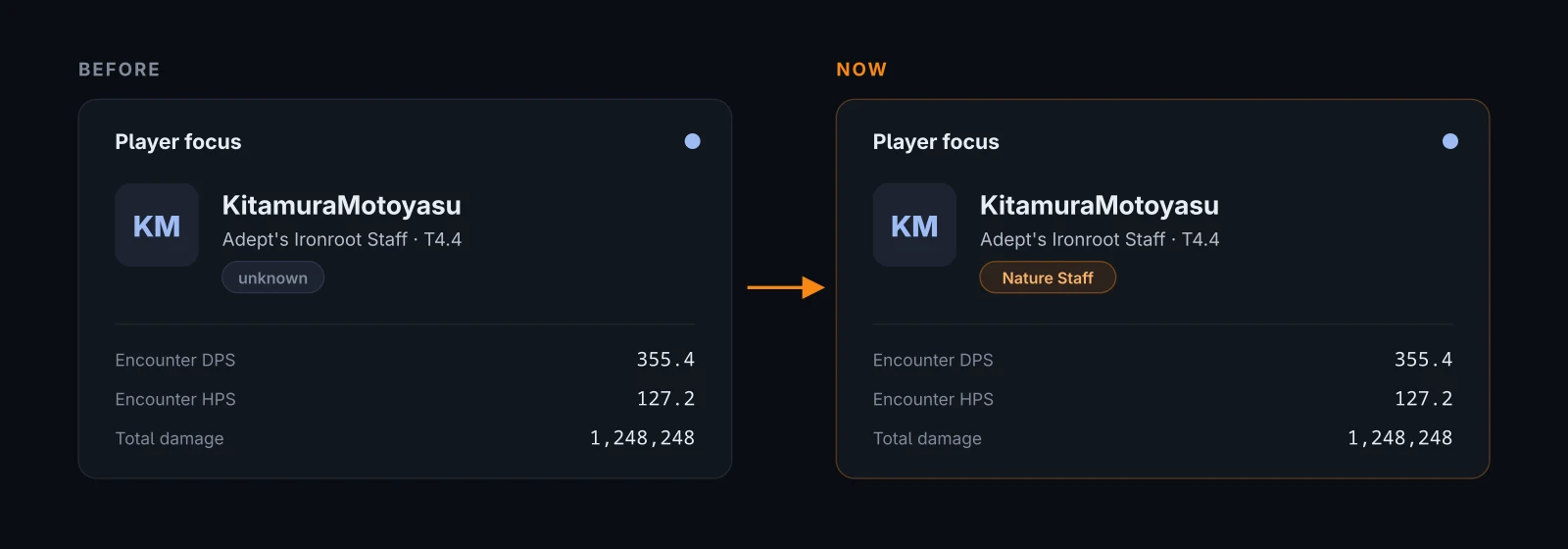
Sessions you share on AlbionLab carry the family too, and on the Portuguese site it is translated: Nature Staff becomes Cajado da Natureza, War Gloves become Luvas de Guerra. Sessions shared before this version keep “unknown” saved in them, so on those pages the tag is simply hidden.
If you use the desktop app you don’t have to do anything. It downloads 0.1.16 by itself and shows the update notice in the corner.
Delete your AlbionLab account yourself
Your account page now has a Delete account button at the bottom. It asks for confirmation and then waits 7 days before deleting anything. During those days the top of the page shows the date and a Cancel deletion button, so a mistake, or someone else on your PC, can be undone.
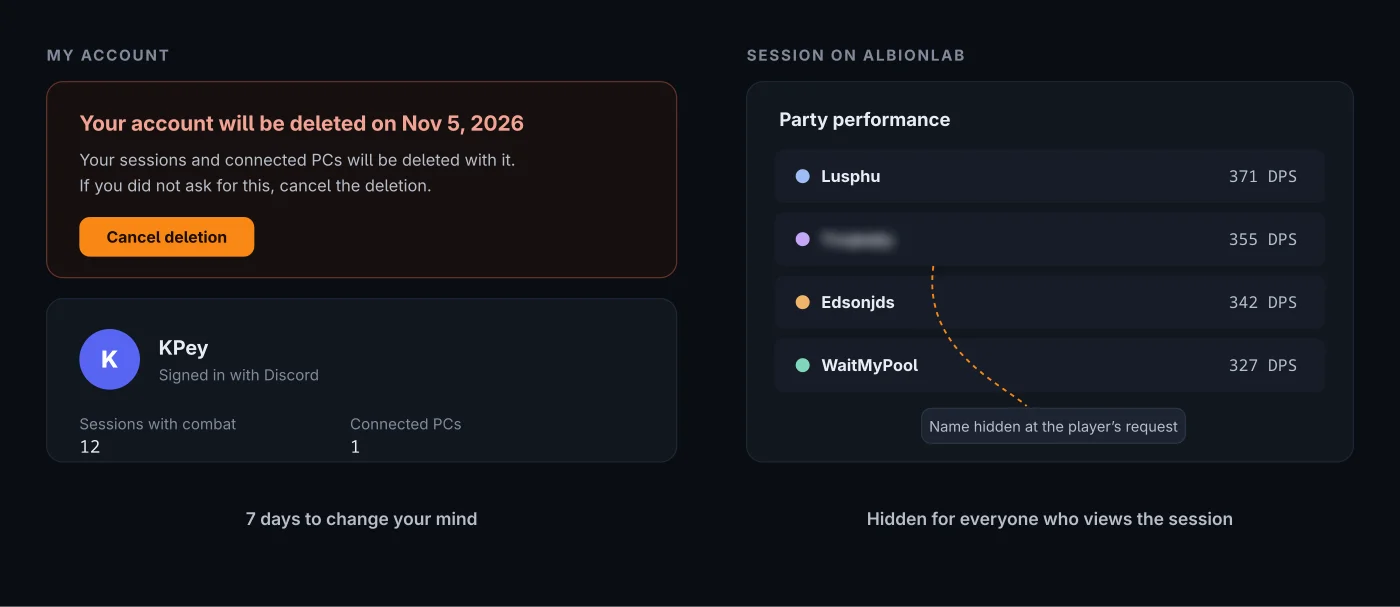
After 7 days the account, every session you published and every connected PC are deleted for good. The records the meter saved on your computer stay where they are.
Hide your character name
Sessions show the character names of everyone the meter saw, not only the person recording. If you don’t want yours to appear, write to [email protected] or ask on Discord. We hide the name in every session on the site, including old ones: the site sends a scrambled name in its place and the page blurs it, for everyone who opens the session.
This only changes what the site shows. Whoever records with the meter still sees every name on their own screen.
Read next
- Privacy policy: exactly what a shared session contains and how long it is kept.
- Terms of use: the rules for shared sessions.
- Albion Meter 0.1.15: the What’s new link and how to check the file you downloaded.